Private Servers and In-Game Network – Minecraft Realms Overview
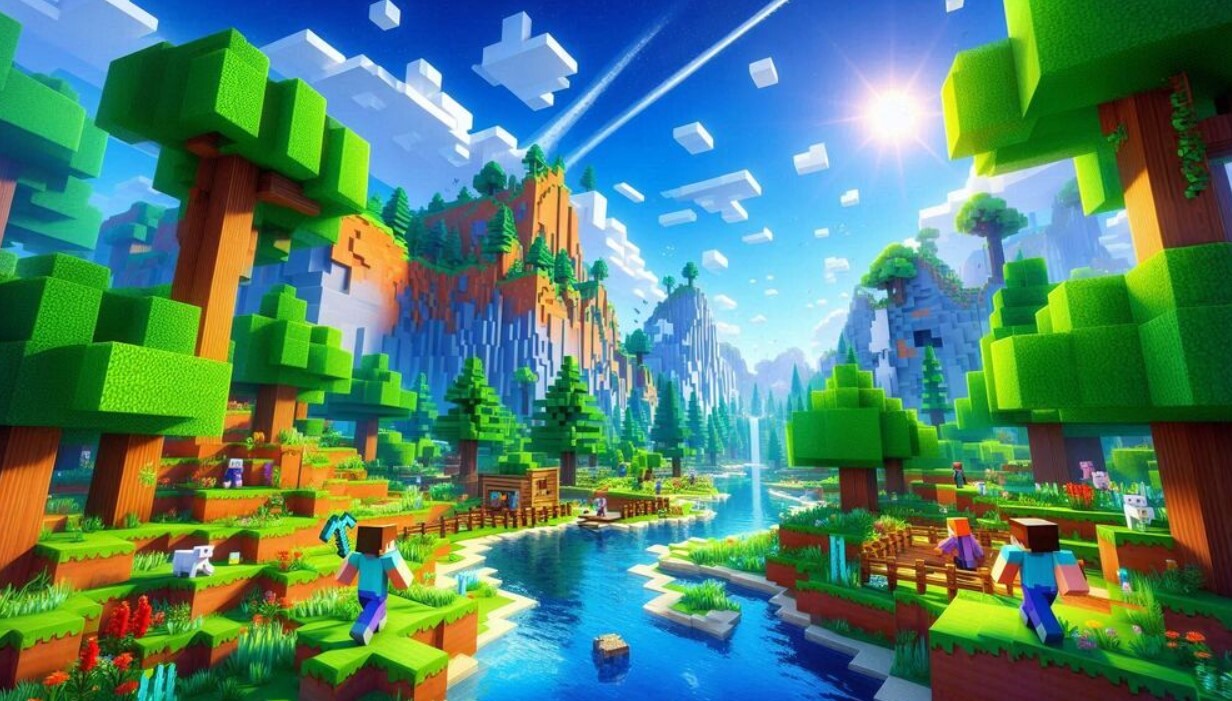
Since 2009 Minecraft has turned into a vast universe going beyond the game concept. Creativity, adventurous vibe, and community support across the globe define the Minecraft franchise right now. With 140,000,000+ monthly active players – a new milestone reached in 2025, Minecraft continues to surprise with new options, maps, patches, and massive updates for its faithful audience. Mojang knew that playing Minecraft with friends was funnier and presented the concept of Minecraft Realms in 2014. Though, only this option became popular only in 2022.
It is an official subscription-based server network with hosting options and paid features. With this option, a Minecraft user gets access to a private, secure, and hassle-free multiplayer experience. With the Realms installed, you host your private server in Minecraft. You won’t have to mess with complicated server setups or use unreliable third-party hosting options. Realms are made for players who want to enjoy the game with friends across all platforms – PC, consoles, and mobile. Safe and secure multiplayer is what you receive with Minecraft Realms.
Benefits of Minecraft Realms for Players
Why should you pick paid Minecraft Realms on PC instead of free third-party servers? Check the following benefits offered for Minecraft players:
- Easier to use. No server hosting knowledge is required to launch your private server/realm with the installed Minecraft Realms. A great choice for casual players or parents;
- Safety is a top priority. Realms works only through invites. It values your privacy foremost. You or your parents can control who joins your server. It is a must-have option for kids or small friend groups. Mojang severely moderates and controls the privacy of Realms to prove a family-friendly environment;
- Cross-platform support. Play the same servers across Xbox, PlayStation, Nintendo, Android, iOS, macOS and Windows 10. No more excuses to play together – play everywhere with friends;
- Always stream your world in Minecraft online. Your realm will be available online 24/7. There is no need to keep your console or PC running or set up local hosting;
- Automatic backups. The realm available online will never lose progress because of automatic backups in the cloud. Even during unexpected blackouts, the server will be saved at the moment you’ve lost the connection;
- Access to the unique Marketplace content (only for Realms Plus subscribers). Receive skins, textures, and maps to spice up your online world without extra costs;
- No lags (almost). Most users agree that Mojang’s cloud servers are optimized well for smooth gameplay, even handling 10+ players online;
- Regular official updates. Minecraft Realms supports the latest game updates like 1.21’s trial chambers and bundle items.
Major Features of Minecraft Realms in 2025
The perks are awesome. But what about the key features of Minecraft Realms? Let’s overview them briefly:
- Crossplay supports across all platforms for the Bedrock Edition of Minecraft Realms;
- Access to the vast Realms Plus Content library with 150+ packs like “Nether Odyssey”, “Eco-Friendly”, “Anime Heroes” and others;
- Control the World more suitably. Three World slots, the upload/download option to import or export the single-player world, and an improved backup system of up to 90 days for the restoration;
- Custom game modes and settings like Trials Chamber access and Bundle Inventory for more efficient loot;
- Support of in-built minigames like “Tumble” and “Capture the Flag”. You can download community-created minigames from the marketplace like “Skywars” and “Bed Wars”.
Two Flavors of Realms
No matter if you want to install Minecraft Realms on Nintendo for multiplayer games or intend to host a private server on a PC, there are two options to choose from. There are Minecraft Realms for Bedrock Edition (Windows 10, mobile, consoles) and Minecraft Realms Plus for both Bedrock and Java Edition (PC, Mac, and Linux).
Both options offer a private server for you and your 10 friends. Though, the Realms Plus offers a few extra perks:
- 150 marketplace content packs – download up to 50 packs at once;
- The support of 1.21 “Tricky Trials” update;
- Ensure the smooth server runs with new blocks, mobs, and mechanics;
- Unique skin packs like “Cyberpunk Ninjas” or “Medieval Knights”.
- Exclusive texture packs like “Realistic RTX” or “Cartoon Adventures”;
- Adventure maps created by the community like “Skyblock Survival” or “Mansion Mystery”.
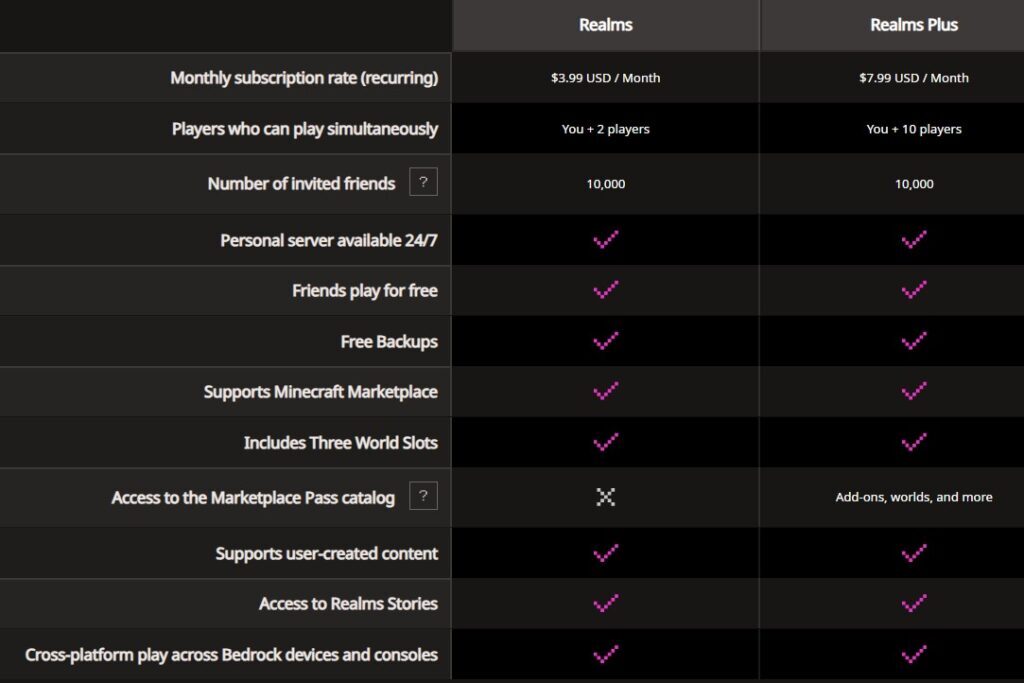
Also, you should check the video with Minecraft Realms Plus advantages. Compare both Realms versions by reading our table below.
| Feature | Basic Realms (Bedrock) | Realms Plus (Bedrock/Java) |
| Player Capacity | 2-10 players | 10 players |
| Marketplace Content | None | 150+ exclusive packs – skins, maps, textures, etc. |
| Crossplay | Yes (only for Bedrock versions) | Yes for all versions |
| Price | $3.99/month for 2 players (you + 1 friend) or $7.99/month for 10 players (you + 10 friends) | $7.99/month for 10 players, plus marketplace content |
| Free Trial | 30 days for new users | 30 days for new users |
How to Use Minecraft Realms?
The best thing about Minecraft Realms is its intuitive installation and interface. Once the server is live, it is about playing, crafting, managing, and customizing. Here is how you should start:
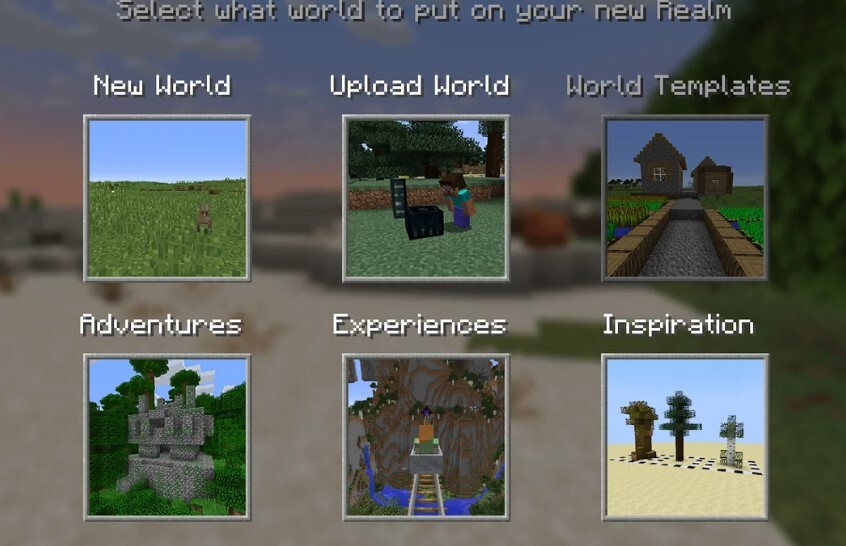
- Join the Realms. Launch the Bedrock or Java edition. Click “Realms”. Choose your server and hit “Play”. Invite your Minecraft friends and explain how to join the same way to your active Realm. Follow the tips on the screen.
- Always Online. Your Realm is 24/7, even if you are offline. Friends can play as long as they are invited, and you have an active subscription.
- Switch the Realms. Anytime you can swap between three active Worlds (for example, you may use one for survival and another for creativity). Use the Realms menu to upload or download new Worlds.
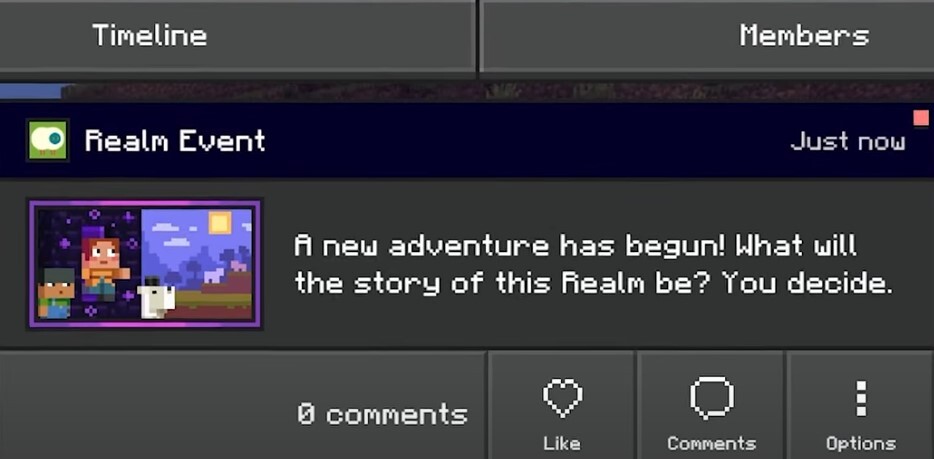
- Manage the Realm. You can add or remove players using the “Members” tab. Assign the operator’s status to your friends for admin powers – they can change game modes from now on. Also, it is possible to adjust the server’s difficulty, game mode, or PvP settings. Easy navigation is set up with enabled “Show Coordinates”.
- Check the Backups. Minecraft Realms automatically backs up your server every 30 minutes. You can restore any backup version within 90 days of the backup creation. A very useful feature is a creeper ruins your base.
Troubleshooting Tips for Minecraft Realms Users
First and foremost, you should always visit the official support page and read the major tips from the team. Also, you can directly contact the Support specialist to request a solution to your problem. However, some common issues can be solved without any assistance:
- If you can’t find your Realm, make sure the game is updated and check your current Internet connection/speed;
- If you have payment issues for the Realms Plus content in Minecraft, check if your Microsoft account has a valid payment method. Check the credit card’s expiry date;
- If you can’t connect with friends on other platforms, make sure you have installed the Bedrock Realms version that supports cross-play. Java Realms is PC-only. Check your edition carefully.
Also, you can check the special Reddit page from Mojang where Realms users share the issues and offer solutions. Ask your question on this page.
The Recent Updates in Minecraft Realms in 2025
Even after 10 years after the release, Minecraft Realms receives fresh updates. The latest update supports Minecraft’s “Tricky Trials” content. If you install the latest Minecraft with the support of Realms in May 2025, you will definitely receive such perks:
- New trial chambers. These underground structures come with spawners, traps and precious loot. A great pick for group adventures;
- New bogged mobs. A new skeleton variant that you can find in the swamps and kill with poison arrows;
- Bundles with new craftable items for better inventory management;
- Vaults and ominous events. They will help to unlock rare loot with trial keys and trigger tough challenges;
- If you are a Realms Plus subscriber, you will also receive new 2025 packs that include “Lunar New Year” skins and “Ender Dragon Quest” maps;
- Improved performance on the servers for the update 1.21. Reduced lags during heavy Redstone contraptions or during mob spawns;
- Accessibility improvements. Enhanced chat filters and parental controls for child-safe environments.
FAQ
What are the minimum system requirements for Minecraft Realms?
Realms is lightweight since the server runs on Mojang’s cloud. Your device should comply with the minimum system requirements:
- Bedrock Edition – Windows 10/11 (4GB RAM, Intel Core i3), iOS 13+, Android 8.0+, all current-gen consoles;
- Java Edition – Windows 7+, macOS 10.12+, 4GB RAM, Intel Core i5, Java 17.
Can I use mods with Realms installed?
The Minecraft Java Realms Edition supports server-side mods. But Bedrock Realms is limited for the official marketplace’s add-ons.
Is Realms safe for kids?
Yes, it is an invite-only server-based mode with chat filters and parental controls.
What happens when my Minecraft Realms subscription ends?
Your Realm is saved for 90 days. Renew the subscription to continue using the option of official Realms servers. Or download the game with a switch to a single-player mode.
Can I transfer my Realm to another Minecraft account?
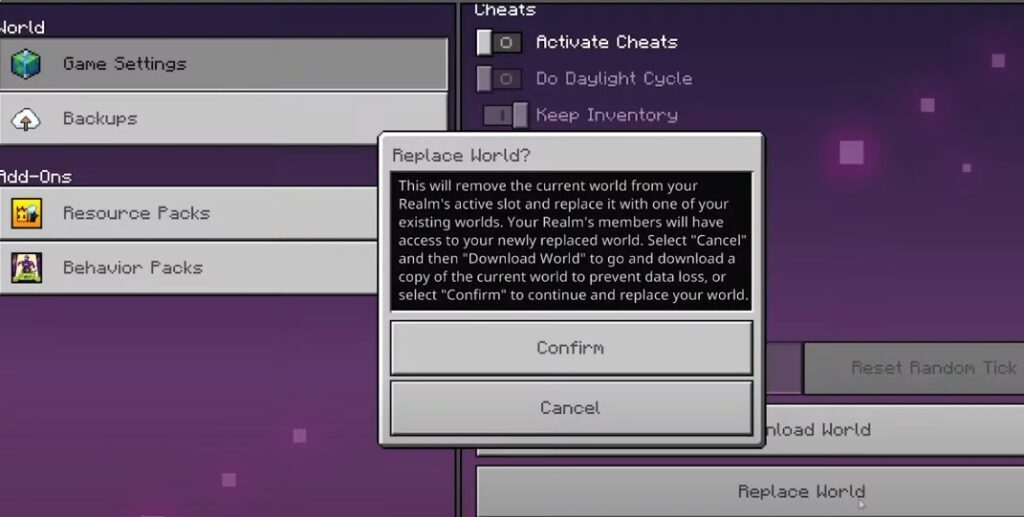
No, the paid Realms are tied only to one account. But you can invite other users to manage your Realm.
Is Minecraft Realms free?
No, both versions of Minecraft Realms are based on a paid subscription. The basic version of Minecraft Realms costs $3.99 per month for 2 players. Or pay $7.99 per month for 10 players only for the Bedrock Edition – it is called the Realms Plus subscription, and it is also available for the Java Edition. All new users receive a 30-day free trial for any version.
Conclusion
Minecraft Realms is easy to set up, budget-friendly, packed with many unique features, and perfect for delivering new assets, maps, and private servers. Join the hype while you are playing Minecraft with friends. Hopefully, you will find this post and other posts on the YaninaGames blog useful and funny to read, We will continue to post new interesting content and would like you to follow if you want to support us. Also, we encourage you to contact us for collaboration on creating new assets and games. Creativity is what we appreciate the most – join our team!