Making AAA Games with Unreal Mobile Engine
Making AAA games for mobile devices isn’t as glamorous and expensive as it used to be a few years ago. Now even inexperienced and aspiring indie devs can create awesome titles with the help of Unreal Mobile engine tools. It is even possible to deliver console-style visuals to smaller screens.
The engine’s sophisticated rendering and physics engines help to implement stunning graphics and experiences to mobile with high-resolution environments, glowing environments, and smooth motion effects fans love in AAA games. That is why the YaninaGames team decided to tell more about the options of the Unreal Mobile engine for creating AAA titles on portable devices.
Can You Make Mobile Games With Unreal Engine?
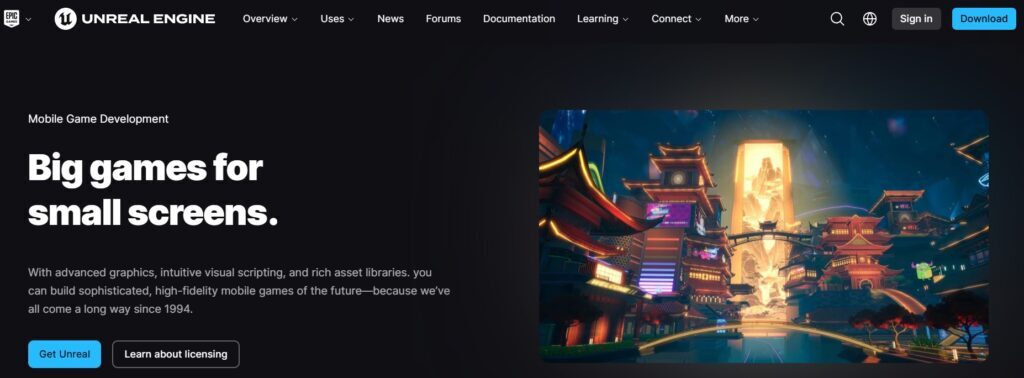
We start our Unreal Mobile review by answering with the simple “yes” to this question. Thanks to the innovative Unreal’s Blueprint visual scripting engine you can implement the game mechanics without spending hours coding your project from scratch. Unreal’s Blueprint framework is especially effective for creating quick prototypes of advanced mechanics on mobile devices.
Scalability is the second great feature of Unreal Engine for AAA mobile games. With flexible and customizable resolution of scaling and occlusion culling, developers can create games that perform on any device – from high-end to mid-range smartphones. That flexibility is important in mobile game development, because of the hardware range that evolves every few months.
Unreal has official connections with some of the top mobile app stores – Google Play Games and Apple Game Center. You can create AAA games with the element of social engagement to connect your project with leaderboards, achievements, and other social components that keep you entertained.
Unreal’s professional toolset offers advanced options for developing 2D/3D content. That means you can create advanced 2D/3D environments for AAA games. Even the lack of coding skills should not stop you – these tools are beginner-friendly.
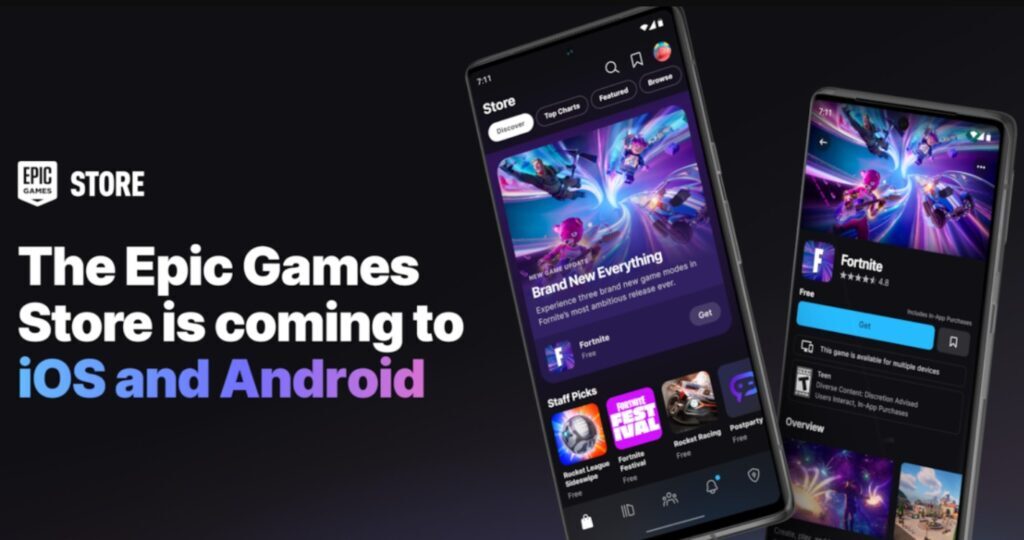
Basically, Unreal Engine gives game devs everything they need to create AAA games on a mobile device — without losing the high quality we’ve got used to have only on consoles and high-end PCs. Mobile gaming is finally taking off with Unreal Engine’s most powerful features.
Unity vs Unreal Mobile Engine for Mobile Game Development
Unity and Unreal Engine for mobile devices are also two powerful tools when it comes to mobile games, which is why choosing them depends on the project’s needs and budget.
Unity
Unity is a popular and accessible engine picked by many indie developers because of its cost-effectiveness and ease of use. It is also suitable for cross-platform Android and iOS development. Unity’s Asset Store is another huge benefit as it comes with thousands of assets, scripts, and tools to make mobile game development easier and faster. It is based on the easy-to-learn C# programming language, so you can learn it quite quickly unlike Unreal. Unity is a great mobile engine for small and medium-sized teams, especially its 6th installment.
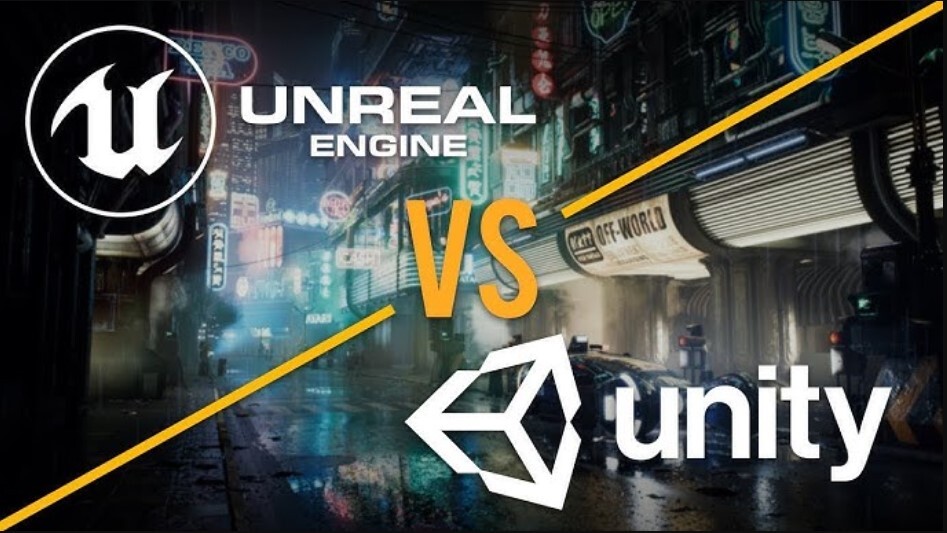
Unreal Mobile
Unreal Engine, on the other hand, is superior when it comes to graphics and realistic physics. It was designed for making AAA titles. The rendering engine gives console-quality graphics on a mobile platform with a slick immersion that Unity can’t offer. Thanks to Unreal’s Blueprint visual scripting framework, mobile game developers can build complex mechanics without the need for coding. Among the drawbacks are the extensive optimization work you need to do and the high cost. Unity is more lightweight than Unreal too and requires less optimization work for small, cross-platform games.
Summing up, you need to choose the Unreal engine on mobile if you need to build complex mechanics with top-notch graphics. Unity is better for smaller projects with less ambitious plans. The decision is up to your project’s technical needs, users, and team experience – both engines are great, just for different purposes in mobile gaming.
Advantages of Unreal Mobile Engine for Game Developers
- Cutting-edge graphics;
- Dynamic lightning;
- Beginner-friendly for aspiring coders;
- Visual scripting system – Blueprint;
- Cross-platform compatibility;
- Many customization options;
- Good for creating 2D/3D content;
Unreal Mobile Engine offers the speed, scalability, and developer-level tools to be the perfect platform for game developers who want to bring high-resolution, immersive games to mobile devices. Check the following YouTube video that explains the tools of the Unreal Mobile engine.
Unreal Engine 4 vs Unreal Engine 5 – What to Choose for Mobile Game Development?
Unreal Engine 4
Unreal Engine 4 is a world’s acclaimed game engine with many user-friendly tools for delivering maximum mobile performance. The stability and mobile native functionality of UE4 with dynamic resolution scaling, texture compression, and fast rendering pipelines are the key factors why mobile games perform very well across portable devices.
UE4’s visual scripting framework Blueprint is also a nice tool for building game logic without spending a lot of time on C++ code. It is suitable for all levels of developers. If you are a developer and want to support all devices (even mid- to lower-end devices), UE4 is a good solution for you as it’s built for mobile game development without overloading the device hardware.

Unreal Engine 5
Unreal Engine 5 features are more advanced, especially if you seek the best graphics options for mobile devices – Nanite and Lumen. Nanite supports virtual geometry so developers could deploy very resized assets without the performance overloading. Lumen is the UE5’s dynamic global lighting system constantly updated with changes in the game. It also brings the realistic lighting to mobile games up to console standards. However, Nanite and Lumen are more demanding processors so UE5 would be better suited for flagship mobile devices or projects that aim towards future hardware improvements.
UE5 can bring stunning improvements visually for mobile games with cross-platform support. The developers who work with graphical richness — AR/VR or open-world scenarios — may choose the UE5 for the powerful toolset. However, it does come with a higher learning curve and may require more optimization work to get smooth operation on mobile devices.
What to Choose?
Choose UE4 if your project needs higher device support and smoother running on average hardware. You can choose UE5 if you are trying to get stunning visuals and can put a premium on the latest device support. Both engines are powerful but the selection of the right engine for your project will vary depending on the technical and aesthetic requirements for your project. Read the Reddit discussion where gamers and developers share their experiences with UE4 and UE5 for mobile game development.
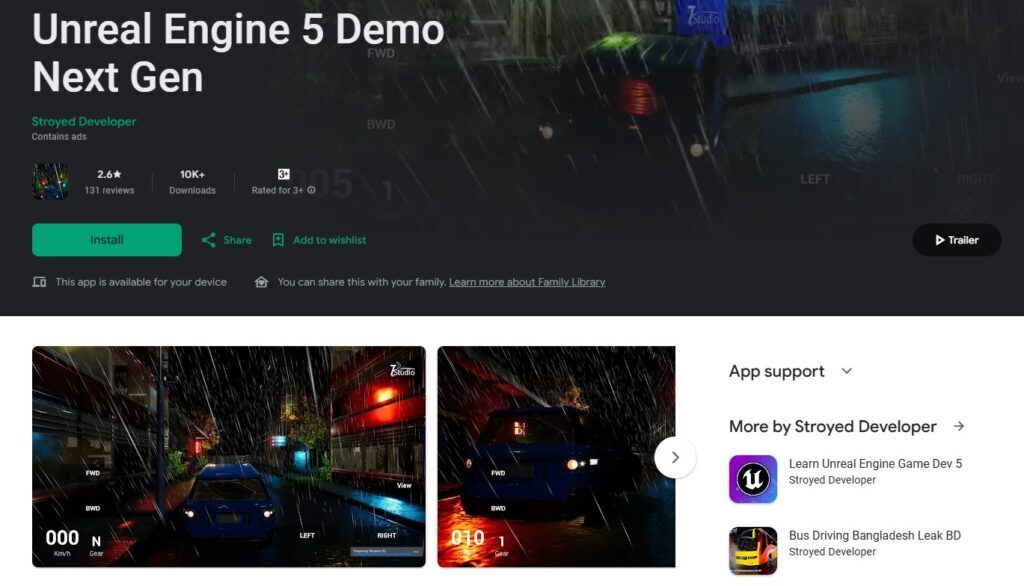
To make it more visual, we decided to create a comparison table where you can compare the main aspects of Unreal Engine 4 and Unreal Engine 5 for mobile devices.
| Aspect | Unreal Mobile Engine 4 | Unreal Mobile Engine 5 |
| Ease of Use | Easier to learn, especially for beginners; familiar to most developers | Steeper learning curve due to advanced features like Nanite and Lumen |
| Tools | Includes Blueprint for visual scripting, mobile-optimized rendering, and texture compression | Adds Nanite (virtualized geometry) and Lumen (real-time lighting), but requires more hardware power |
| Graphics Quality | High-quality graphics are great for most mobile projects, with good optimization for performance | Superior graphics quality with photorealistic lighting and details, great for high-end devices |
| Performance | Optimized for a wider range of devices, including mid-range and some low-end devices | Best recommended for high-end mobile devices; requires optimization to ensure stable performance |
| Compatibility | Highly compatible with most mobile devices, including older hardware | Limited to more powerful mobile devices because of high processing needs |
| Content Creation | Extensive 2D and 3D tools with asset support; better suited for simpler mobile games | Advanced 3D content creation capabilities; ideal for ambitious projects with high visual fidelity |
| Community & Support | Large, established community with extensive resources and tutorials | Growing community, but fewer resources as it’s a newer release |
| Pros | Stable, mature, and well-documented; optimized for mobile devices; accessible for beginners | Exceptional graphics and real-time lighting; ideal for next-gen visuals on mobile; powerful for large-scale games |
| Cons | Limited in achieving next-gen graphics; requires manual optimization for complex visuals | Demanding on hardware; requires high-end devices and may need more optimization for smooth gameplay |
| Ideal For | Accessible, performance-optimized games with wide device compatibility | Visually demanding, immersive games on powerful mobile devices |
Also, you can check our full comparison review of Unreal Engine 4 vs Unreal Engine 5 where we share more thoughts about these two versions of Unreal Mobile engine.
The AAA Examples of Unreal Engine Mobile Games (iOS and Android)
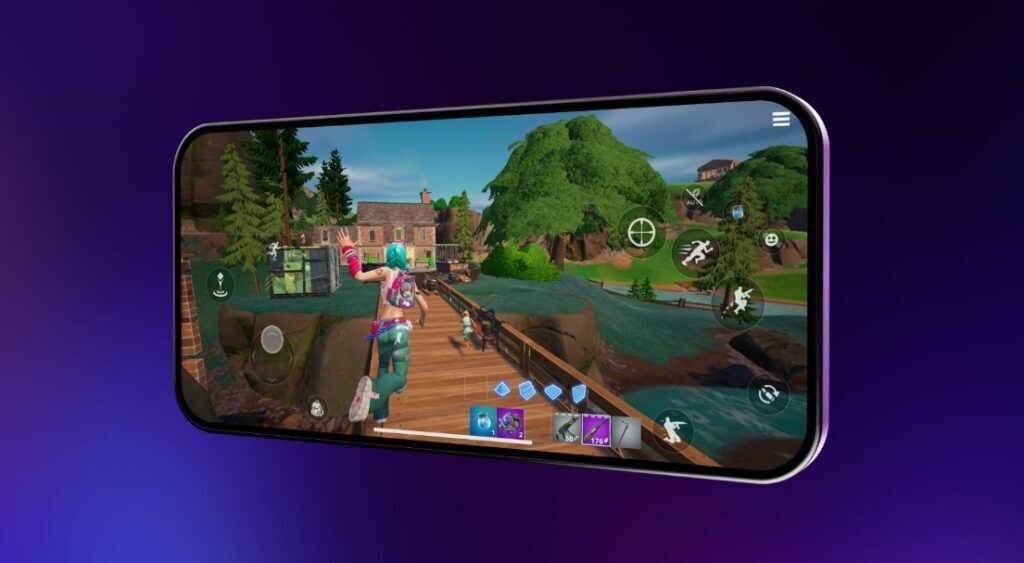
Fortnite
An insanely popular multiplayer Battle Royale style building game with frantic combat action. It offers detailed graphics and cross-platform support through all the devices where you can buy it.
ARK: Survival Evolved
A survival open-world game where you need to live on a dino-infested island. The mobile version includes the console game’s depth and visual presentation. Prepare for an intense survival experience.
Ni no Kuni: Cross Worlds
A MMORPG that was inspired by the cartoons by the Studio Ghibli. The game takes the player on a journey to a rich, holographic, animated world full of quests and adventures. It has very beautiful animation and smooth gameplay.
Lineage W
An MMORPG for mobile with fine-grained character creation, massive strategic gameplay, and a rich story. Unreal Engine powers its realistic graphics and brings a beautiful world to play.
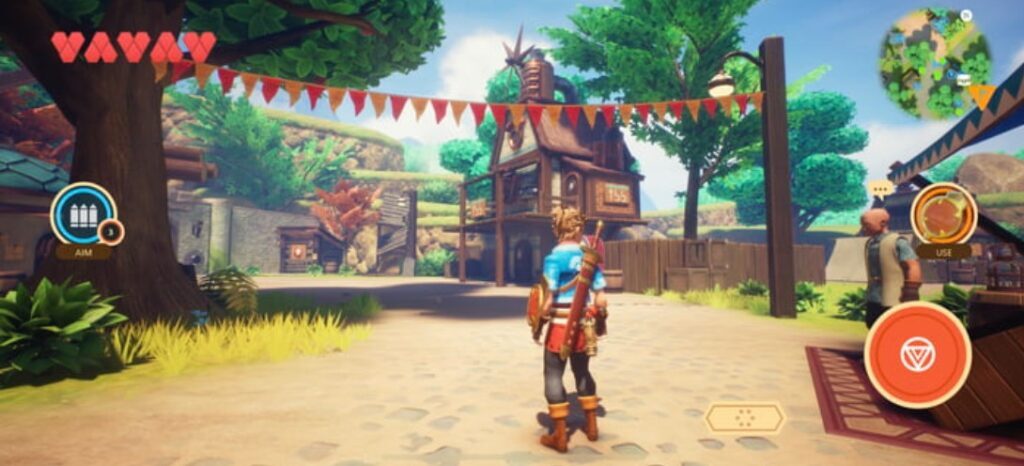
Oceanhorn 2: Knights of the Lost Realm
The action RPG takes a young protagonist on an adventure through a lovely fantasy world, with exploration and battle similar to older Zelda games. It sets the new standards for graphics in mobile RPGs.
How to Start the Development with Unreal Mobile Engine:
- Install Unreal Engine. Install Unreal Engine in the Epic Games Launcher. Unreal Engine is open-source, but Epic gets a small cut after your game hits a certain number of sales. You need to make sure that you have the latest version installed before starting the development because of the optimization and support.
- Set Up for Mobile Development. In Unreal Engine, open a new project and choose either iOS or Android as your target platform. In the Project Settings, turn on mobile-friendly options – reduced texture resolution and optimal lighting. Unreal also offers mobile templates to make development easier on mobile devices. Set it up with the appropriate options for touch and mobile functionality.
- Get to Know the Blueprint Tool. The Unreal Engine’s Blueprint tool is a visual scripting platform that can create game mechanics without any deep knowledge of programming skills. It is a great system for prototyping and building out outdated features quickly (especially useful for mobile games, where simplicity and UX are important).
- Optimize for Performance. Mobile devices have a smaller processor power than PCs and consoles. That is why you need to think about the performance early in the process. Cut polygons on 3D objects, compress textures efficiently, and choose the mobile-optimized rendering options. Use the occlusion culling to maintain a smooth experience across multiple devices.
- Test on Real Mobile Devices. It’s important to test your game prototype on real mobile devices so you don’t run into any bugs and have smooth play. Thanks to Unreal Mobile Engine, you can package and launch your game for iOS or Android devices. This test can reveal hardware-related issues.
Frequently Asked Questions
Can Unreal Engine make mobile games?
Unreal Engine 4 or 5 are good for making any iOS or Android gaming apps. UE introduces high-fidelity tools such as Nanite and Lumen designed for fast hardware and won’t work on all smartphones. With the integrated mobile settings, UE5 developers can create graphical-heavy games that are performance-compliant and tablet-compatible.
Can I build mobile games with Unreal Engine 5 on Android?
Unreal Engine 5 helps you build games for Android. However, Nanite and Lumen require the maximum processor power and only premium Android devices can take full advantage of UE5’s display power. Developers can turn mobile-optimized functions in the engine on and off to have it work more efficiently on mid-range (and some lower-end) devices. You as a developer get a wide range of compatibility while still delivering awesome graphics and smooth gameplay.
Conclusion
The YaninaGames loves playing the games with the Unreal mobile engine as the foundation. We will continue to tell you about the use of this engine and other tools for game development. You can also contact our team to participate in the same project and develop something interesting together. Let’s do awesome video games together.