Why to Make an iPhone Game?
Developing a simple game for an iPhone could give you joy and a sense of achievement, even if you are not skilled in this area. With appropriate instruments and understanding, every beginner developer can make an iPhone game that can easily grow into a side project or at least. The Yanina Games team will guide you through the basic steps of creating your first iPhone game, using easy simple terms and giving user cases to help you grasp the concepts more effectively.
A few research facts that may stimulate you to make an iPhone game in 2024 and later:
- The worldwide mobile games sector made $ 77.2 billion in the year 2020, showing a rise of 13.3 % compared to last year’s figures;
- In 2020, the App Store had 65% of all spending on mobile games and Google Play had 35 %;
- Last year, there were about 2.7 billion mobile gamers around the world and it is predicted this number will rise to roughly $ 3.07 billion by 2025;
- 75% of all mobile game players claim they do so to “kill time”, while 61 % play just to chill;
For people who don’t have a development background, it can be useful to know how to make an iPhone game app can be interesting and satisfying. Keep in mind, to begin with a distinct idea for your game, design its assets thoughtfully, and examine it comprehensively before making it available in the App Store.
How to Make an iPhone Game App – 10 Development Steps
- Think of a Game Idea and Concept
There are multiple game genres to pick when you decide to create a pet project for iPhones and iPads. Think of how your audience of mobile phone gamers will play the game, what the setting can be, and other game design concepts. You may be surprised by the number of genres you can choose for your mobile game app on iOS.
Some popular game genres for iOS gamers include:
- Puzzle games (e.g., Candy Crush, Monument Valley);
- Platformer games (e.g., Super Mario Run, Sonic Dash);
- Endless runner games (e.g., Temple Run, Subway Surfers);
- Strategy games (e.g., Clash of Clans, Plants vs. Zombies);
- Cozy games (e.g. Stardew Valley, Cozy Grove);
It is worth overthinking and even overplanning the gaming process, storyline, motivation, characters involved, and their purposes.
- Design Your Game
At this point, you should work on the concept art for the game, designing characters and creating level layouts. You can hire a professional game art designer or find a partner among friends. It can be worth investing your time in learning such popular digital art tools as Adobe Photoshop or Procreate.
Additionally, consider using AI tools if you are sure the AI art can be classified as copyright-free – at least, you may use AI images as concepts for inspiration. Also, websites such as OpenGameArt.org or Kenney.nl offer free stock images from freelance art designers that you can use.
- Choose a Game Engine To Code Your Game
A game engine is a software framework that assists in the creation of your game. You can’t learn how to make an app game for an iPhone without a decent coding background. Surely, there are many no-code platforms for novice developers, but if you are going to create a complex application without coding skills. Consider hiring a junior coder to solve this problem or a professional team of coders if you have a budget for this gaming project.
Alternatively, if you’d like to target both iOS and Android from a single codebase, you can hire React Native app developer to accelerate the cross-platform build and keep a native-like feel.
For coders, we advise picking lightweight game engines to make an iPhone game for the first time:
- Unity has extensive online resources and a big community. It is based on the most popular programming language among game developers – C#;
- Unreal Engine is another very strong game engine for iOS development. It works with the C++ programming language, and its learning process is more difficult than Unity;
- SpriteKit is an iOS-native game framework that comes included with Xcode, Apple’s integrated development environment (IDE). It uses the Swift programming language specifically for iOS game developers.

- Set Up Your Development Environment
If you want to learn how to make a game for an iPhone, you must have a Mac computer with macOS running on it. You should also download and put in place Xcode from the Mac App Store. Xcode is a free IDE that comes free and has all the necessary tools needed to build iOS apps and games.
After successfully installing Xcode, open it and proceed to create a new project. You can do this by clicking on “Create a new Xcode project” from the welcome window. Choose the “Game” template and then select “SpriteKit” for IDE. Think of your project’s name and decide where you want to save it on your PC.
- Create Your Game Scene
In SpriteKit, a scene looks like one screen for your future game. To make a new scene, you can select “File > New > File” and pick the “SpriteKit Scene” model. Name the scene and click “Create”.
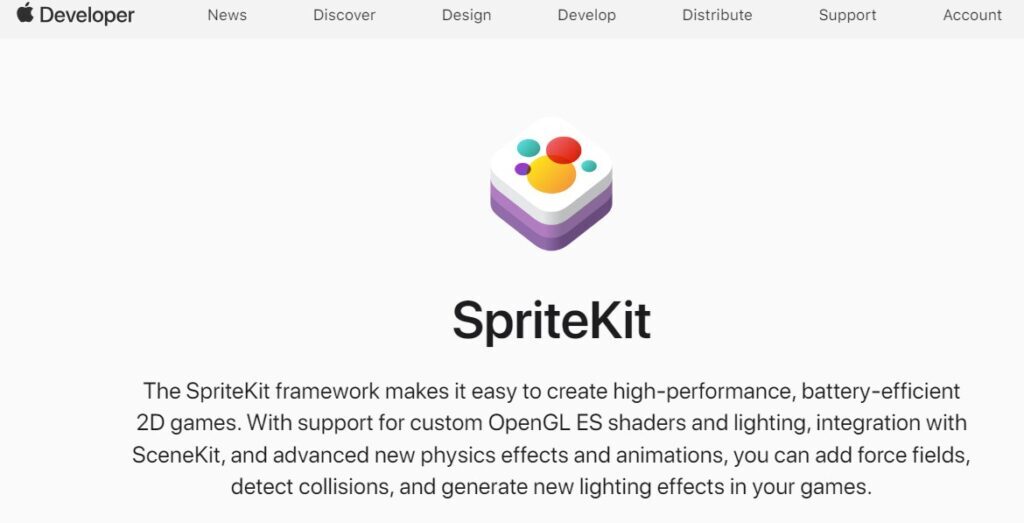
The beginning of your new scene is in the SpriteKit Scene Editor. Add your in-game objects like sprites (images), labels, and shapes into the scene. You can include actions for game objects such as animations.
Just drag and drop an image file from the project’s asset catalog onto the scene. After this step, you can change the sprite’s position and size it up with Scene Editor tools.
- Write Your Game Logic
After arranging your game scene, it’s necessary to draft game logic. In SpriteKit, you write game logic in Swift by employing the GameplayKit framework.
Pick game logic by launching Xcode for the scene. Open a Swift file (like GameScene.swift). Now you can write code to deal with input, refresh the items, and look for clashes.
We won’t give detailed examples of scripts for game logic. Our task here is to give you an algorithm of actions. It is better to check the professional tutorials posted on specialized platforms or YouTube.

- Add Sound and Music
Sound and music are essential for making an iPhone game audio-attractive as well. To include sound and music in your game, you may need to hire a sound designer/composer. Then upload the audio files matching the gaming language like MP3 or WAV formats.
- Stress Test Your Game
When you are making an iPhone game, it is necessary to test the game often to confirm that everything works as planned. Xcode already has a simulator inside which lets you try out your game on various iPhone models.
If you want to test your game, you can click the “Run” button that is located in the top-left corner of Xcode. Doing this will help build up and then launch an instance of a simulator where you can play through your game, checking for bugs or problems along the way.
- Optimize Your Game
As development is almost finished, it’s significant to improve the performance of your game. This consists of decreasing file sizes for game assets, reducing draw calls, and selecting efficient algorithms for game logic.
Some tips for optimizing your game:
- Use texture atlases to combine multiple images into a single file;
- Use sprite sheets to animate characters and objects;
- Avoid using too many particles or complex physics simulations;
- Profile your game using Xcode’s Instruments tool to identify performance bottlenecks;
- Publish and Monetize Your Game
If you are sure about your game’s quality after the development and stress testing you are ready to publish the App Store. Do not forget to create a special Apple Developer account and add the metadata of your app like its title, description, and screenshots. All these data have to be high-quality promotional materials with a direct advertising call to action.
Check if your game complies with Apple’s rules for the App Store and has undergone comprehensive testing before you send it.
The general advice here – do not overthink your monetization strategy if you are a beginner. Keep in mind, the main point is to make a game that people truly like playing. If you concentrate on making an enjoyable and interesting experience for the players, everything else will come naturally. The professional team of Yanina Games follows such an approach when we offer our clients expert services in iOS app development.
How to Make an iPhone Game App on Windows?
It can be quite a challenging task but not possible. Surely, it is easier to make an iOS game with Mac OS instruments but Windows-based systems can also support your iOS gaming app project. You just need to install a virtual machine through Virtualbox. This machine can imitate the functions of Mac OS on your Windows OS device. Then you can install XCode and use its tools to create your iOS games. It would feel just like having a Mac inside your Windows device.
Another smart option is Cloud Mac Rental. With the help of RDP (remote desktop protocol), you could connect to this virtual Mac and employ Xcode from afar. This method provides the easiest (not the cheapest, though) method for accessing a Mac machine in the cloud without having to purchase additional equipment like hardware-based machines or laptops that run iOS systems.

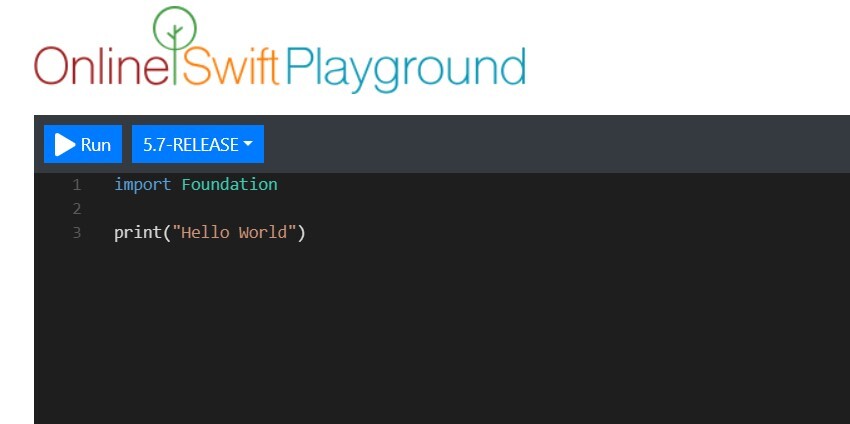
For those who are beginning to learn Swift, the programming language used for iOS apps, any Swift sandbox service can be an enjoyable tool as well. This development service enables you to compose and execute Swift code without requiring a Mac or Xcode. It is a good pick for boosting your junior coding abilities on your Windows PC.
How to Make an iPhone Game – Frequently Asked Questions
How much money can I make from an iPhone game?
It depends on your revenue model. Think of the monetization strategy BEFORE the development. Because making a free2play iOS game can differ from a paid premium gaming app for iPhone/iPad. Most beginners start by promoting their free2play games with the advertisement revenue model.
According to some Reddit users, the income from each ad in iOS mobile games can range between $ 0.01 and $ 3, depending on the level of engagement and number of active users. This is an estimation for games with ads, taking into account an app having around 1,000 active users.
How to make a game for iPhone for free?
It is totally possible since all the basic tools are free for everyone or cost less than a cup of coffee. To begin with, you must learn a programming language such as Swift or Objective-C. Free to learn with YouTube (e.g. FreeCodeCamp) or very cheap Coursera/Udemy courses. Then comes the tutorial about the use of Xcode which is the friendliest platform for building iOS apps. Bear in mind that Xcode can only be run on Mac systems, but there exist some methods to use it free on Windows. Also, do not forget to check the Yanina Games’ blog posts with absolutely free advice.
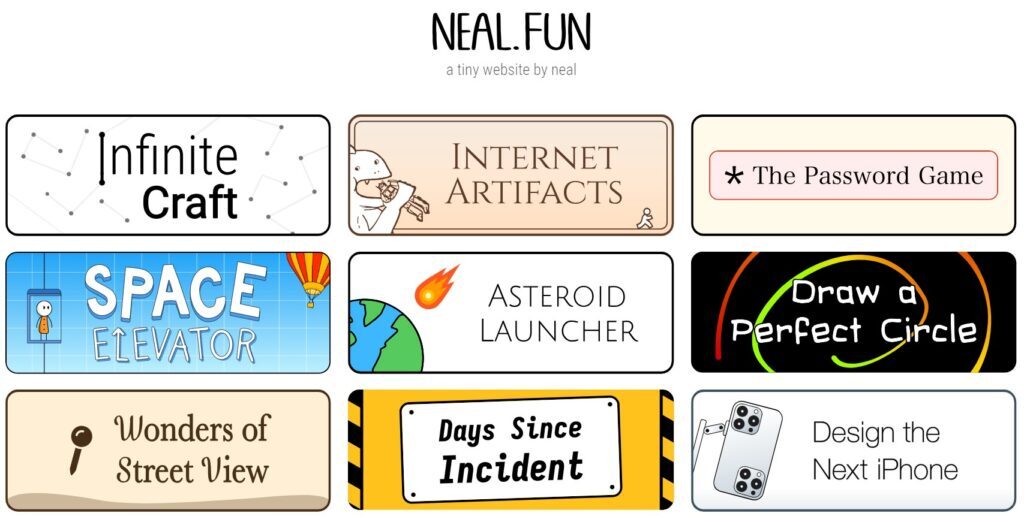
Is it possible to make an iPhone game with Neal Fun Service?
Neal Agarwal has created a popular interactive web platform for iOS game developers and called it NealFun. Making an iPhone game requires a mix of inventiveness, technical expertise, and thorough comprehension of coding. But beginners can also use its paid and free templates, tutorials, and recommendations from the platform’s team of creators. However, it is better to do some research before using this platform seriously.
Conclusion
Hopefully, the professional team of Yanina Games shared a few useful tips about how to make an iPhone game if you are a complete beginner. Trust us, a few years ago we started just like you are and annually grew bigger and bigger to create complex and interesting projects for iOS, Android, and other platforms. Your first steps in game development can be hard but the path will eventually become easier. Just keep going!