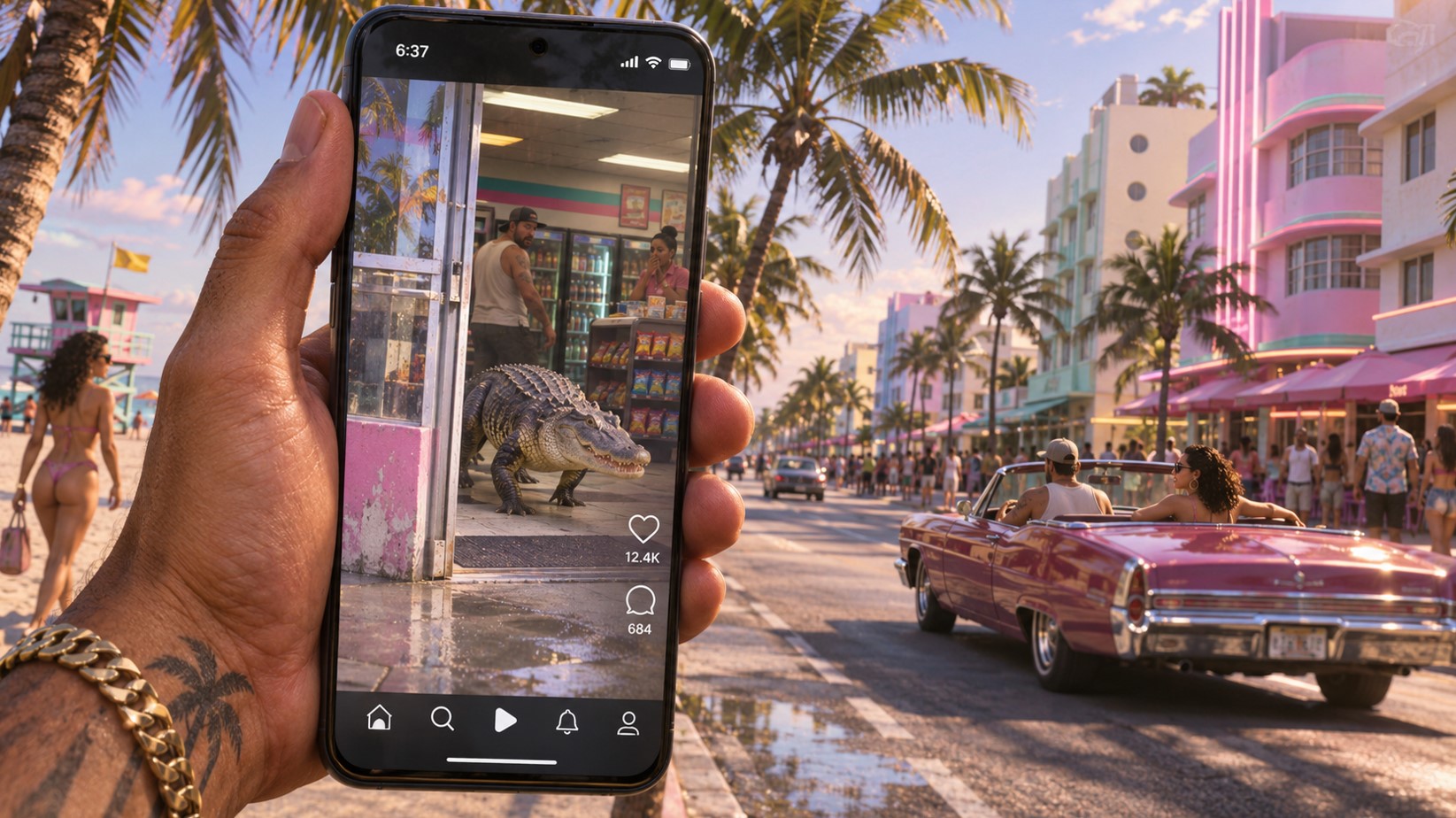
GTA 6 Phone Apps: Which of the 14 Actually Matter
Your phone in Leonida has around fourteen apps on it. You will open four of them constantly, three occasionally, and the rest roughly once, out of curiosity, before never touching them again. That’s not a criticism – the flavour apps are doing atmospheric work, and some of them are genuinely funny. But every guide to this subject is a flat alphabetical list, which tells you nothing about where to spend your attention.
So here’s the phone ranked by how much it’ll actually feature in your game, plus when each app arrives and which ones aren’t here at all.
The Phone Is a Physical Object Now
Worth knowing before anything else, because it changes how it feels to carry. Rob Nelson told Famitsu that GTA 6’s phone is a physical object in the world rather than the 2D overlay GTA V used. Jason and Lucia actually hold it, and it exists in the space in front of them.
It’s an iFruit, the series’ long-running Apple parody, and it includes a 3D satnav for setting waypoints.
Practically, that means pulling out your phone is an action your character performs rather than a menu you summon. Which matters when you’re doing it in the middle of a street with police nearby.
To open it: press D-pad Up.
Tier 1: The Four You’ll Open Every Session
| App | What It Does | Why It Matters |
|---|---|---|
| WAiNK | Scans vehicles before you steal them | Every car theft starts here |
| RydeMe | Ride-hailing and fast travel | The map is enormous |
| Scooter Bros | Delivers your personal vehicle | Saves constant backtracking |
| BuckMe | Banking, checking and savings | Your money dies without it |
- WAiNK is the one that reshapes a core activity. Point it at a parked car in GTA 6 and it reads the model, security type, whether it’s locked, alarmed, or keyless, what tracker it carries, its resale value, and what it’d cost to register as your own. In a game where car theft is now tool-gated and tiered, scanning first is the difference between driving off and standing next to a vehicle you can’t start.
- RydeMe is how fast travel works. Book a ride, pick a destination, and either skip straight there or – and this is the better option – stay in the car and listen to the driver and other passengers talk. Fares are charged to your BuckMe account.
- Scooter Bros delivers your personal vehicle wherever you are, marked with a green car icon. The fee scales with distance and how badly damaged the car is, which is a nice touch. An employee physically drives it to you and leaves on a scooter stashed in the trunk.
- BuckMe is your bank, and it’s the one app you genuinely cannot ignore. Pocket cash vanishes when you die. Purchases over $1,000 bill to the account automatically. Family Savings can never be lost – or withdrawn. Managing money in GTA 6 is managing this app.
Tier 2: Situational but Genuinely Useful
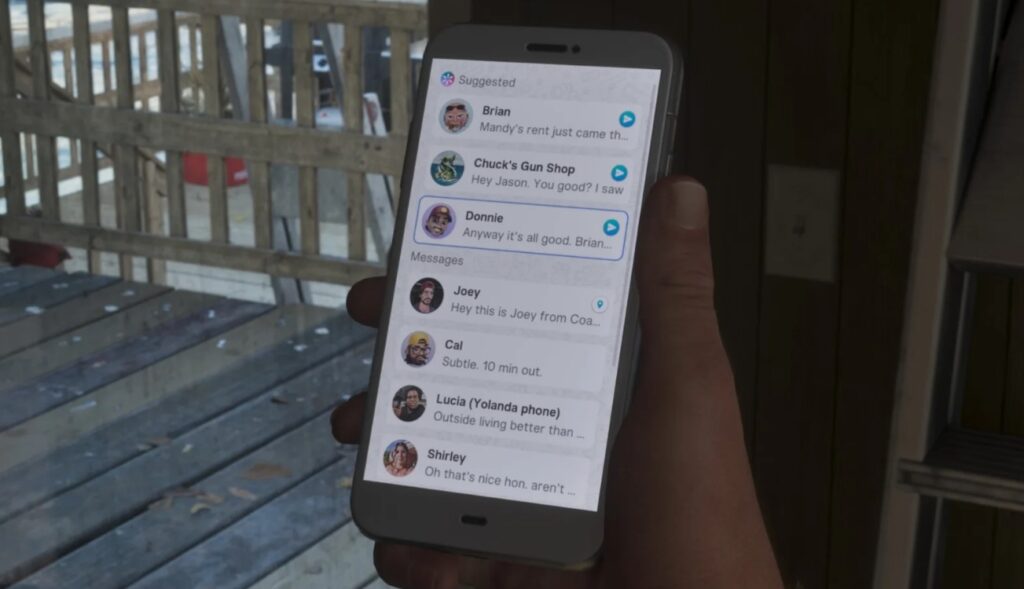
WhatUp is the messaging app, a WhatsApp parody, and it’s available from the very start. Most of your contacts reach you here, including Cal’s fishing challenges and various job offers. Worth checking after story beats.
Contacts keeps numbers for everyone you’ve met. This is where you call Joey in Chapter 1 to have your car repaired and delivered for free – a service that costs nothing and gets replaced by the paid Scooter Bros later.
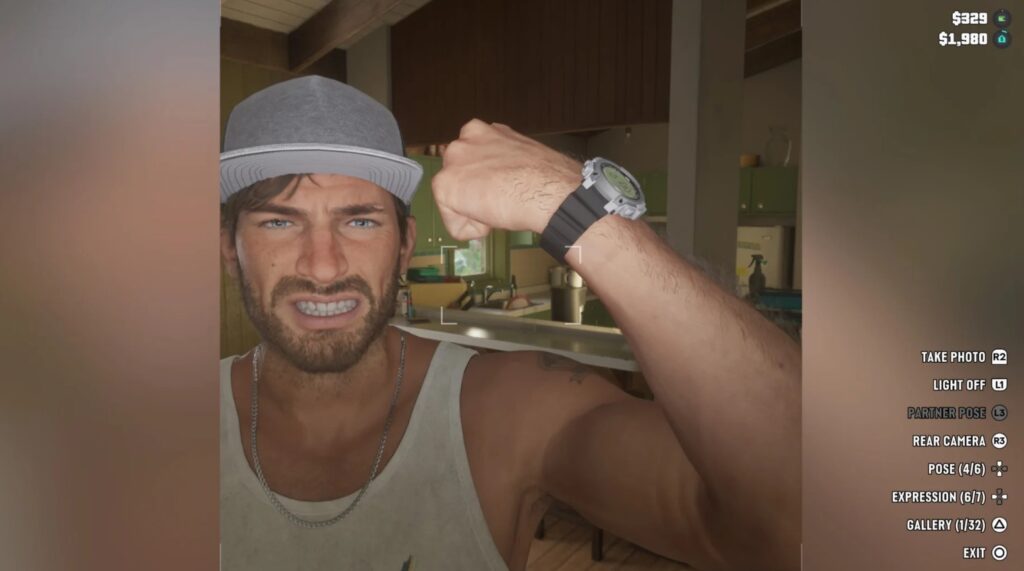
Camera and Gallery. Front and rear cameras, with your shots stored in the Gallery. Photo mode matters more in this game than most, partly because several collectibles and challenges involve photographing things.
The iFruit satnav handles waypoints in 3D, which is more useful than it sounds on a map this size.
Tier 3: Flavour, Atmosphere and One Genuine Surprise
Snapmatic is the social feed. You browse it and follow accounts rather than posting, and multiple reviewers have described it as an unsettling window into Leonida’s online life. It’s world-building rather than a mechanic, and it’s very well done.
News carries the latest from Leonida, which is where a lot of the satire lives.
Weather gives forecasts. Genuinely useful occasionally, since Leonida has localised weather and storms affect driving.
Fitness is the surprise. It tracks sleep, weight and overall physical condition for both protagonists, feeding into the game’s wider fitness system. What your characters eat, how often they train and how much they sleep all accumulate here. It’s a stat tracker rather than something you interact with constantly, but it’s connected to a system that genuinely affects the game.
Settings lets you change wallpaper and ringtone, which is pure personalisation and exactly the kind of thing Rockstar includes anyway.
There’s also a Reminders app and a garage purchasing function, both of which are administrative rather than exciting.
On Demand and the Detail Aimed at Streamers
On Demand deserves its own mention. It carries podcasts, in-game shows and – crucially – creator-safe music.
That last part is a deliberate accommodation. Licensed music has been a recurring problem for streamers and video creators covering Rockstar games, with footage getting muted or struck. Providing a music option that’s safe to broadcast is a practical solution to a problem that’s existed for over a decade.
If you record or stream, this is the app to know about.
When Each GTA 6 Phone App Arrives
Most GTA 6 phone apps appear as you progress rather than being available immediately.
| App | When It Becomes Available |
|---|---|
| WhatUp | From the start |
| Contacts | From the start |
| Camera, Gallery, Settings | From the start |
| WAiNK | Chapter 1, during Unwanted Attention |
| BuckMe | Chapter 1, during the Buck Me mission |
| RydeMe | Early game, around the Buck Me mission |
| Scooter Bros | Chapter 2, after the Moses mission |
A note on RydeMe: sources differ slightly on exactly when it arrives, with some placing it during Buck Me in Chapter 1 and others in Chapter 2. Either way it’s early, and if it hasn’t appeared on your phone yet, the answer is simply to keep playing – it isn’t hidden behind anything obscure.
That’s the general rule for the whole phone. If an app you’ve read about isn’t there, you haven’t reached its story beat.
What’s Not Here: LifeInvader and Bleeter
Two long-running series fixtures are conspicuously absent from confirmed lists.
LifeInvader, the Facebook parody from GTA V, has not been confirmed as a GTA 6 app. Bleeter, the Twitter equivalent, likewise.
Snapmatic covers the social media slot, and given how the real-world platform landscape has shifted since 2013, a single modern feed probably makes more sense than resurrecting two parodies of platforms that have both changed beyond recognition.
Worth flagging though: before launch, leaker Tez2 found domains registered by Take-Two suggesting in-game versions of a range of real-world services – messaging, money transfers, insurance and legal claims, travel, and others. Some of those map onto apps we’ve confirmed. Others may be websites accessible in-game rather than phone apps, or content that hasn’t surfaced yet.
Rockstar hasn’t published an official app count, so the list may well be longer than the fourteen currently documented.
Which App to Open First
If you’ve just started:
- WhatUp, to see who’s messaging you. Story and side content both arrive here.
- WAiNK, the moment you have it. It changes how you approach every parked car in the game.
- BuckMe, as soon as it’s available, and then habitually. Deposit after every job.
- Contacts, specifically to find Joey. Free car repairs and delivery in Chapter 1 is the best deal on the phone.
- Snapmatic, once, for ten minutes. It’s worth the time even though it isn’t a mechanic.
Phone Habits Worth Building
- Scan before you touch any car. It takes two seconds and prevents nearly every car theft mistake.
- Deposit cash constantly. You lose pocket money when you die, and the ATM finder is built into BuckMe.
- Check WhatUp after story missions. New challenges and contacts arrive by message and are easy to miss.
- Call Joey while you still can. Chapter 1’s free vehicle delivery becomes a paid service later.
- Don’t pull your phone out in traffic. It’s a physical object your character holds, and you’re not watching the road.
- Set waypoints with the satnav. On a map this size, eyeballing directions wastes real time.
Mistakes People Are Making
- Ignoring WAiNK entirely. A surprising number of players are still smashing windows on cars they could have scanned first.
- Treating Scooter Bros as a getaway option. It takes time because an actual NPC drives the car to you. Plan ahead.
- Carrying pocket cash. Purchases over $1,000 come out of BuckMe anyway, so there’s little reason to hold physical money.
- Assuming an app is missing when it’s just not available yet. Most of the phone arrives through story progress.
- Overlooking On Demand. If you record footage, the creator-safe music option exists specifically for you.
How the Phone Compares to GTA V?
The honest summary is that GTA V’s phone was a menu and GTA 6’s is a system.
In GTA V, you called contacts, took Snapmatic photos, and occasionally got a mission text. Here the phone is where you scan vehicles before stealing them, manage a two-tier banking system, summon your car, book fast travel, track your characters’ physical condition and read a social feed that comments on the world around you.
It’s also a physical object your character holds, which means opening it has a cost – you’re distracted, visibly on your phone, and not paying attention to whatever’s happening around you.
That’s a meaningful design shift. The phone has gone from an interface to a thing you carry.
FAQ
How many apps are on the GTA 6 phone?
Around fourteen are documented, including WAiNK, RydeMe, Scooter Bros, BuckMe, WhatUp, Contacts, Camera, Gallery, Snapmatic, Fitness, Weather, News, On Demand and Settings. Rockstar hasn’t published an official count.
How do you open the phone in GTA 6?
Press Up on the D-pad. The phone is a physical object your character holds rather than a screen overlay.
What is WAiNK?
A vehicle scanner that reads a car’s security type, tracker status, value and registration cost before you attempt to steal it. It arrives during the Chapter 1 mission Unwanted Attention.
What is RydeMe?
A ride-hailing app that doubles as fast travel. You can skip to your destination or stay in the car and listen to the driver and passengers. Fares bill to BuckMe.
How do you get the Scooter Bros app?
Complete the Chapter 2 mission Moses. It then appears with a green car icon and delivers your personal vehicle for a fee based on distance and damage.
Is LifeInvader in GTA 6?
Not confirmed. Snapmatic covers the social media role, and neither LifeInvader nor Bleeter has appeared in confirmed app lists.
What is On Demand?
An entertainment app carrying podcasts, in-game shows and creator-safe music – the last of which exists so streamers can record without copyright problems.
Four GTA 6 Phone Apps and a Lot of Atmosphere
The practical takeaway: learn WAiNK, RydeMe, Scooter Bros and BuckMe properly, because those four touch systems you’ll engage with every single session. Everything else is either occasional or decorative.
But do spend ten minutes scrolling Snapmatic and reading the news. Rockstar has put an enormous amount of writing into apps that have no mechanical purpose whatsoever, and in a game this detailed, the parts that don’t do anything are often the parts that sell the place.
Just don’t check your phone while you’re driving. The game models that more realistically than you’d like.
If this saved you from scrolling an app list alphabetically, pass it on – share it, bookmark it, send it to whoever’s still wondering where the fast travel is. And if you’ve got a creative or commercial project worth a notification, YaninaGames is always one tap away.